What each template needs
The photos to upload and the clip you get back, for every template. If a render fails, it is refunded automatically.
Show what you upload and what you get
| Trend template | You upload | You get |
|---|---|---|
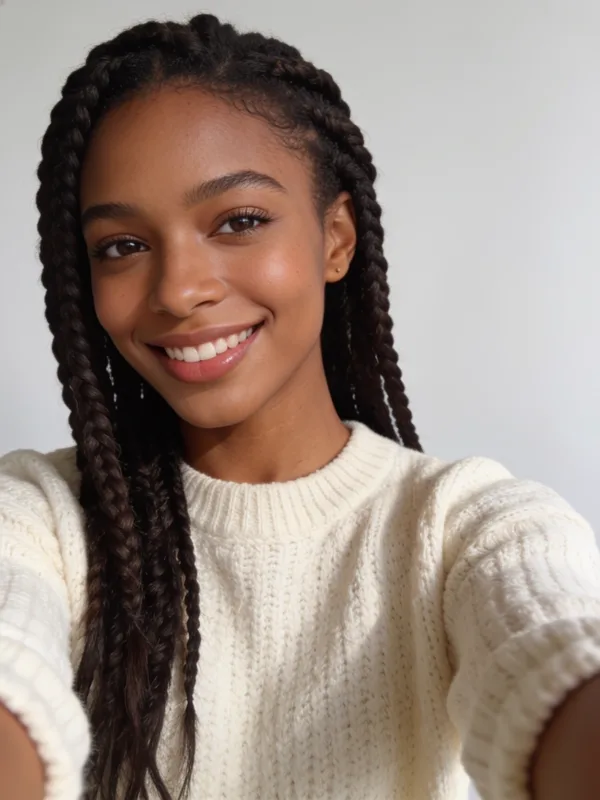
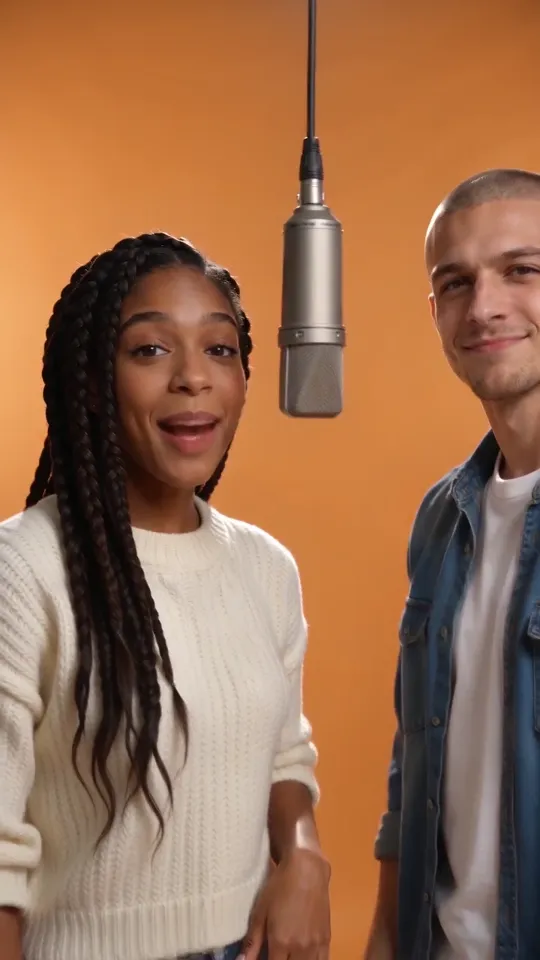
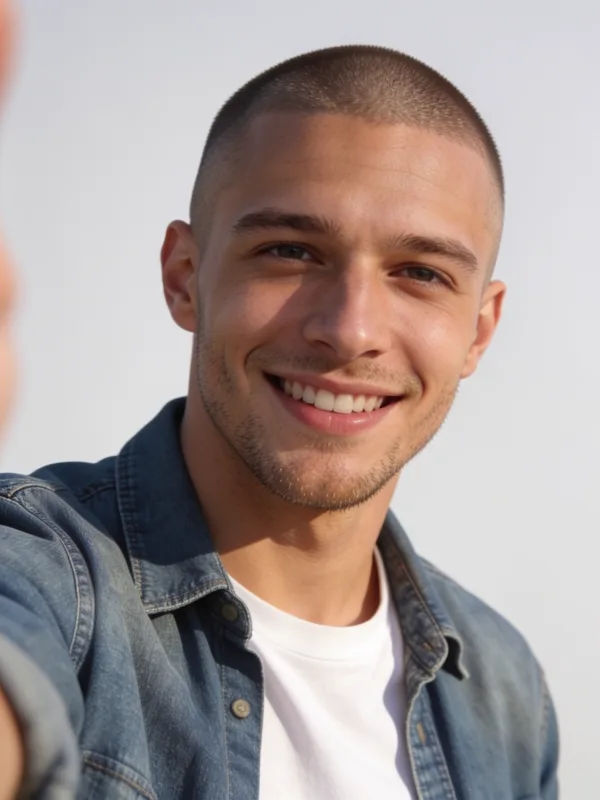
| Hotel Lobby Rap | Your photo + Your partner's photo | 8s 9:16 video with sound |
From photo to video in three steps
No app, no prompt, no editing. If you can pick a photo, you can make one.
- 1
Pick a trend
Every template is a clip people are posting right now. Watch the examples and pick the one you want to be in.
- 2
Add your photo
One clear, front-facing photo per person. Templates for two take a friend's photo too, or one photo of you both.
- 3
Get your video
Pay once and it is ready in a few minutes: a vertical MP4 with sound and no watermark, ready for TikTok, Reels and Shorts.
How do these AI video templates work?
Viral AI video trends follow a two-step recipe. First, a scene and character model places the people in your uploaded photos into the setting of the trend — whether that is a studio recording booth, a hotel lobby, or a dance floor. Then an image-to-video motion model animates the frame for 5 to 15 seconds with matching audio.
No prompt engineering or timeline editing
Instead of testing camera prompts, motion weights, and lip-sync settings across multiple tools, each YouReel template locks in the tested scene, choreography, and soundtrack. You only choose who stars in it, upload a clear photo, and download a ready-to-post vertical MP4 for TikTok, Instagram Reels, or YouTube Shorts.
AI video template questions
What is an AI video template?
An AI video template is a pre-built workflow that recreates a specific viral video format using your own photo. YouReel places your photo into the trend scene and animates the motion and sound automatically — with no prompts or timeline editing required.
What kind of photo works best for these templates?
A clear, well-lit photo where the face is looking toward the camera works best. Avoid heavy sunglasses, hands covering the face, or extreme motion blur. Solo templates need 1 photo, while duo templates take 2 separate photos.
Do I need to write prompts or edit video?
No. Every template in our library of 1 viral formats already has the scene, camera movement, and timing configured. You only upload your photo and press Generate.
Do the generated trend videos include sound?
Yes. Templates marked with sound generate a ready-to-post vertical 9:16 MP4 complete with synced audio for TikTok, Instagram Reels, and YouTube Shorts.
How much does a template video cost?
Each template displays its exact price on the Generate button before you pay, starting from $9.99 per video. You can pay once for a single video or use credits — with no recurring subscription required.
How long does a template take to render?
Most templates finish in 2 to 5 minutes. You can watch the progress live in your browser and download the finished MP4 as soon as it completes.
What happens if my video fails to generate?
If a generation fails due to a technical issue or an unreadable photo, your payment or credits are automatically refunded so you can try again with another photo.
Seen a trend that isn't here yet?
Send us the link. We read every one, and the trends people ask for are the ones we add next.